Domains
The Domains page lets you view existing domains and add new ones. Domains are shown in a table with Name, Description, Domain Users, Groups, and Creation Date. Use the buttons in the Actions column to edit or delete a domain.

New Domain
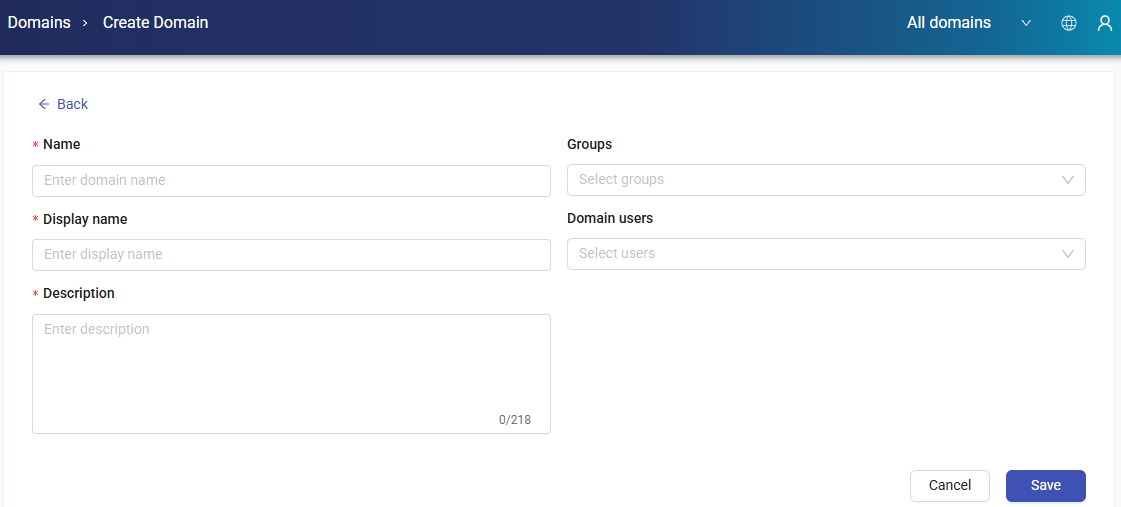
To add a new domain, click the + New domain button. Enter the Domain Name, Display Name, Description, Groups, and Domain Users, then click the Save button to complete the process.
Edit Domain
To edit a list, click the Edit button from Actions of any domain. After editing the related fields, click Update to save the changes.