Identity
Identity is used to manage users and groups within Data Focus, through the Users and Groups tabs. It is powered by the Identigro integration, which allows user management operations to be performed directly from Data Focus, without accessing the Keycloak screen.
Users
The Users list shows all users, with Username, Email, First Name, Last Name, and Status columns. A new user can be created with the Add User button, and an existing user can be removed with Delete User.
Clicking a user opens a detail page with Details, Roles, and Permission Mapping tabs.
Details tab: shows the user's information, which can be edited and saved with the Save button.
Roles tab: lists the roles assigned to the user; roles can be assigned or unassigned.
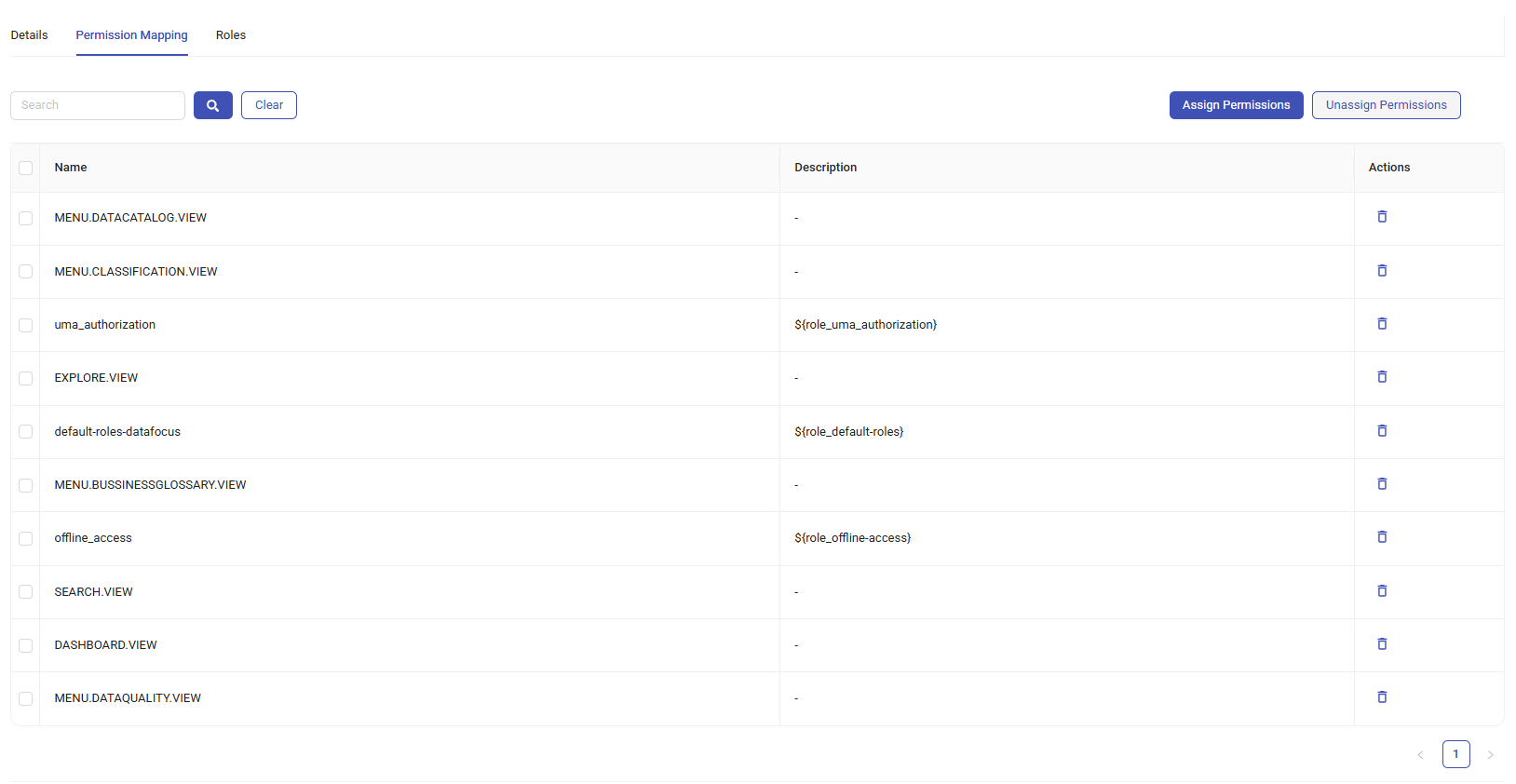
Permission Mapping tab: lists the permissions assigned to the user, with Name, Description, and Actions columns. Permissions can be searched, and assigned or unassigned in bulk using the Assign Permissions / Unassign Permissions buttons.
Groups
The Groups list shows all groups.
Clicking a group opens a detail page with Members and Permission Mapping tabs.
Members tab: lists the group's members; members can be added or removed.
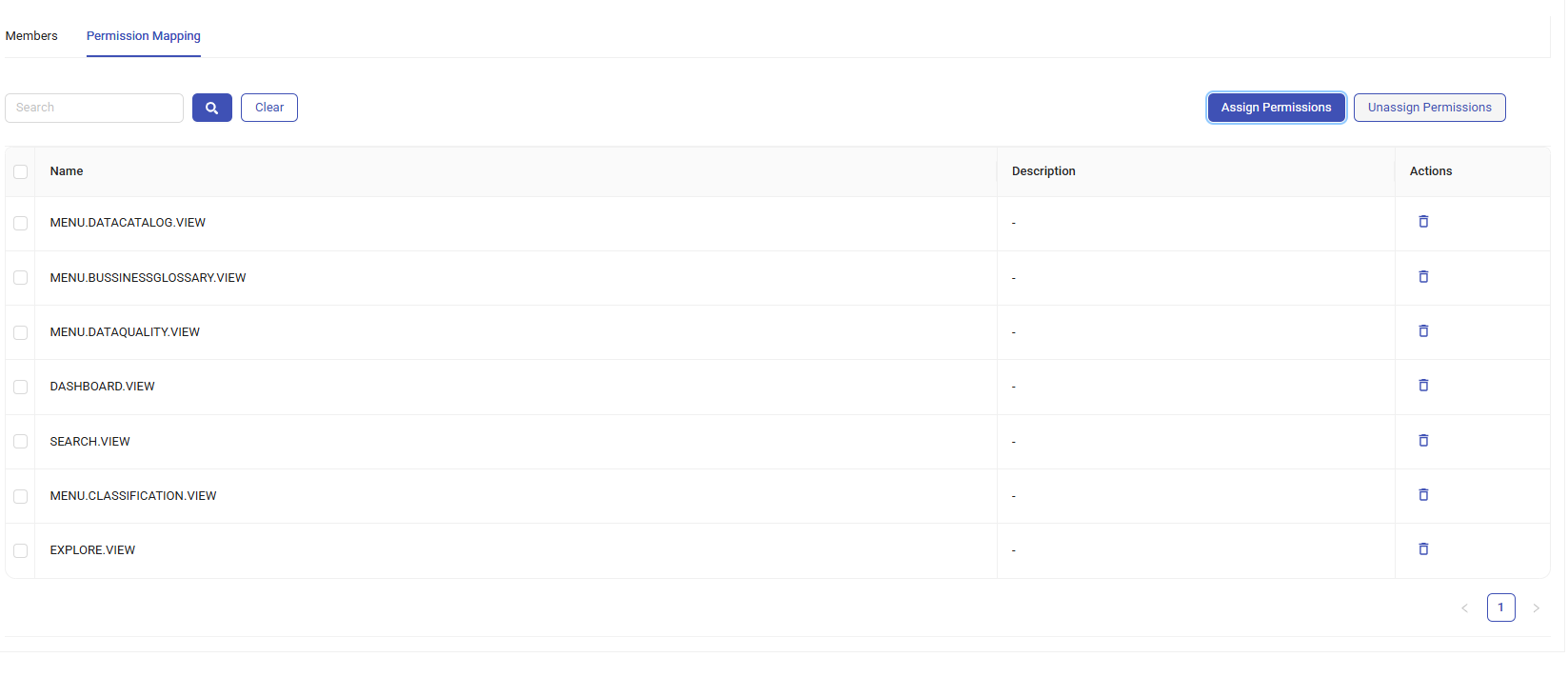
Permission Mapping tab: works the same way as for Users — lists the permissions assigned to the group, with Name, Description, and Actions columns, searchable, with Assign Permissions / Unassign Permissions buttons.