Search
Structured Search
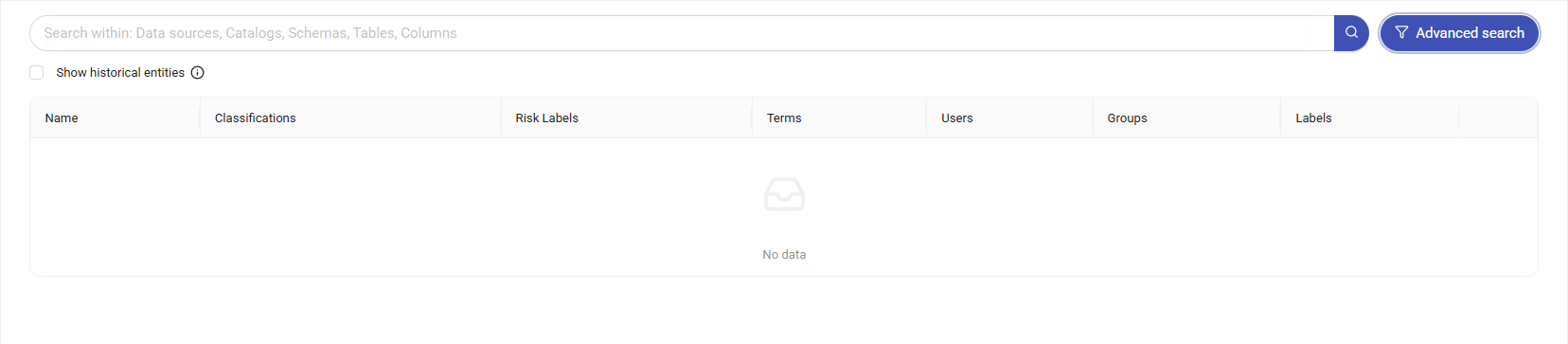
Structured Search allows fast, comprehensive search across discovered structured data. Users can search directly across all discovery results — Data Sources, Catalogs, Schemas, Tables, and Columns — by entering a keyword in the search box, without first selecting an asset. Results can be refined by clicking the Advanced Search button.
By default, only the latest catalog is displayed; to include historical catalogs, enable the Show historical entities option.
Results are listed with Name, Classifications, Risk Labels, Terms, Users, Groups, and Labels columns.
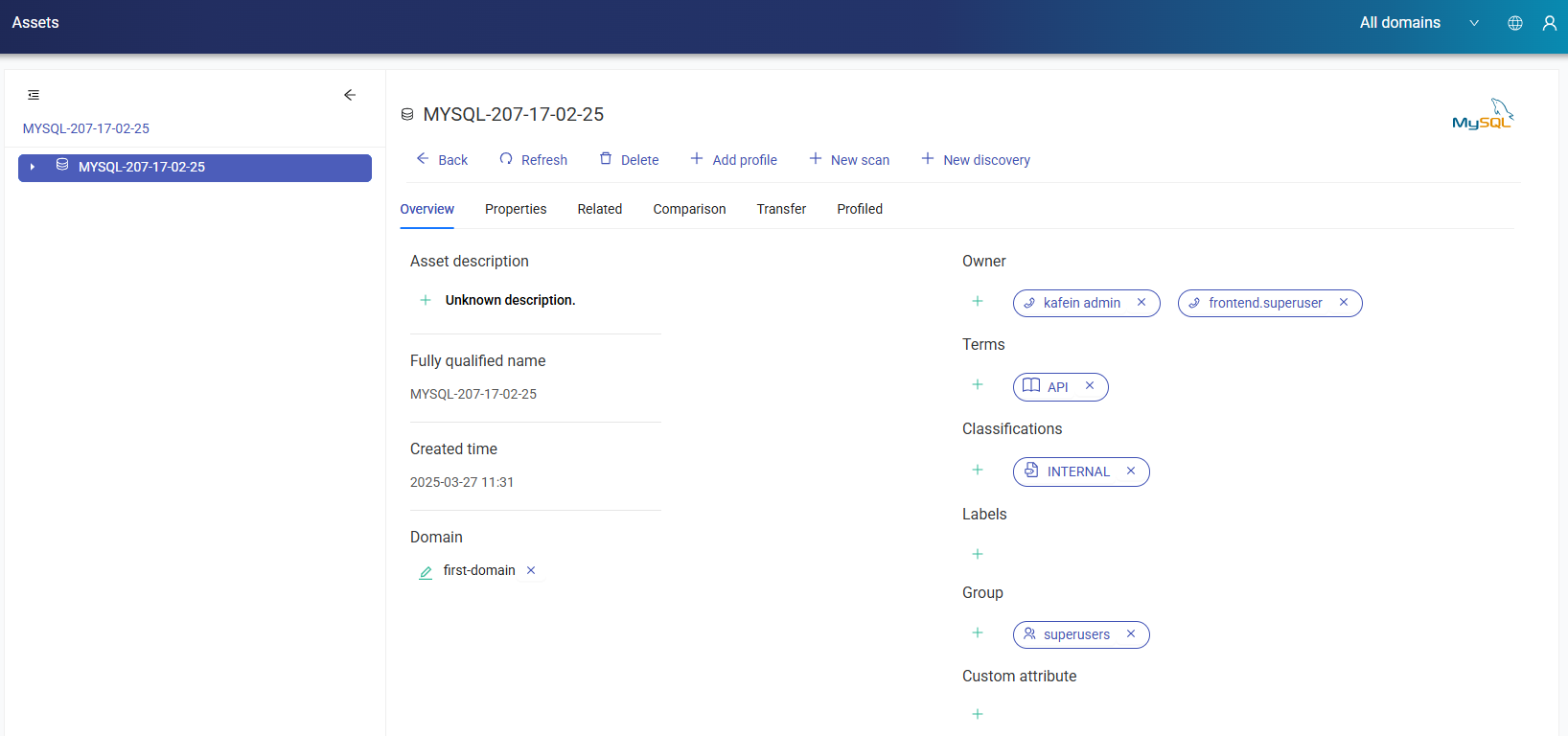
When the table name is clicked from the list, information for the selected table is displayed on Assets page.
Advanced Search
Advanced Search allows search results to be filtered to reach more targeted results. Users can narrow their search using the available filters, without needing to select an asset, and can search across all discovery results.
The Risk Label filter narrows results to findings that carry a specific risk label, and can be combined with the other advanced search filters.